Before You Purchase
Step 1 - If you are claiming a Grant for customised equipment, merch or publications
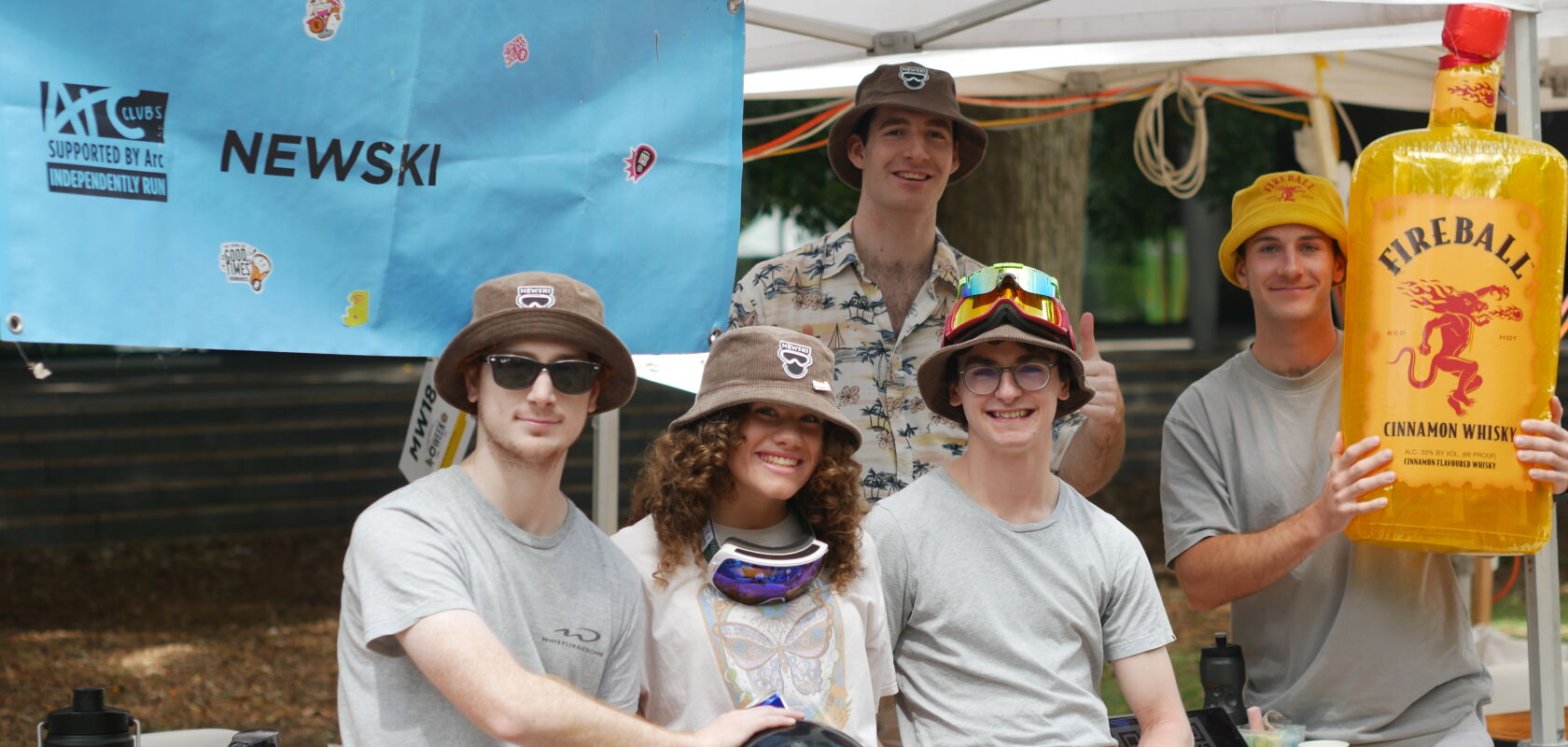
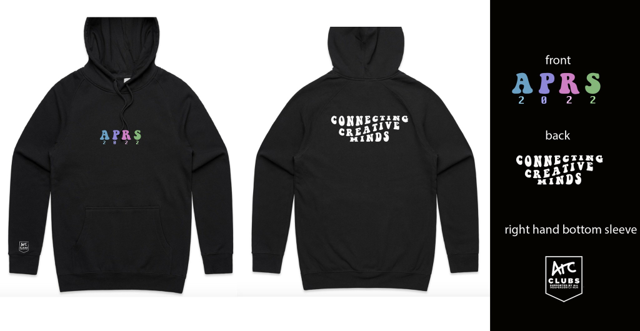
Make sure the Arc Clubs logo appears in a prominent, visible position in your designs. High quality jpeg and eps downloads of the Arc Clubs logo can be found on the [Arc website.](https://www.arc.unsw.edu.au/clubs/club-admin/club-forms) If you’re worried about the size or placement of the Arc Clubs logo, run it past the Grants Staff before your purchase.
All Publications must contain the statement: “This <Student Club> publication is proudly supported by Arc”, in addition to the Arc Clubs logo.
After You Purchase
Step 2 - Collect Your Documents
You will need to submit receipts or invoices proving the total cost of the Equipment, Merchandise or Publication. You must provide proof of payment for all invoices.
If your equipment is customised, the design of all Merchandise, customised Equipment or Publications OR a photo of the equipment showing that the Arc sticker is attached (whichever is relevant) will need to be submitted.
Step 3 - Submit Via Rubric
Any current Executive can login to Rubric and switch profiles to your Club's Rubric Account:
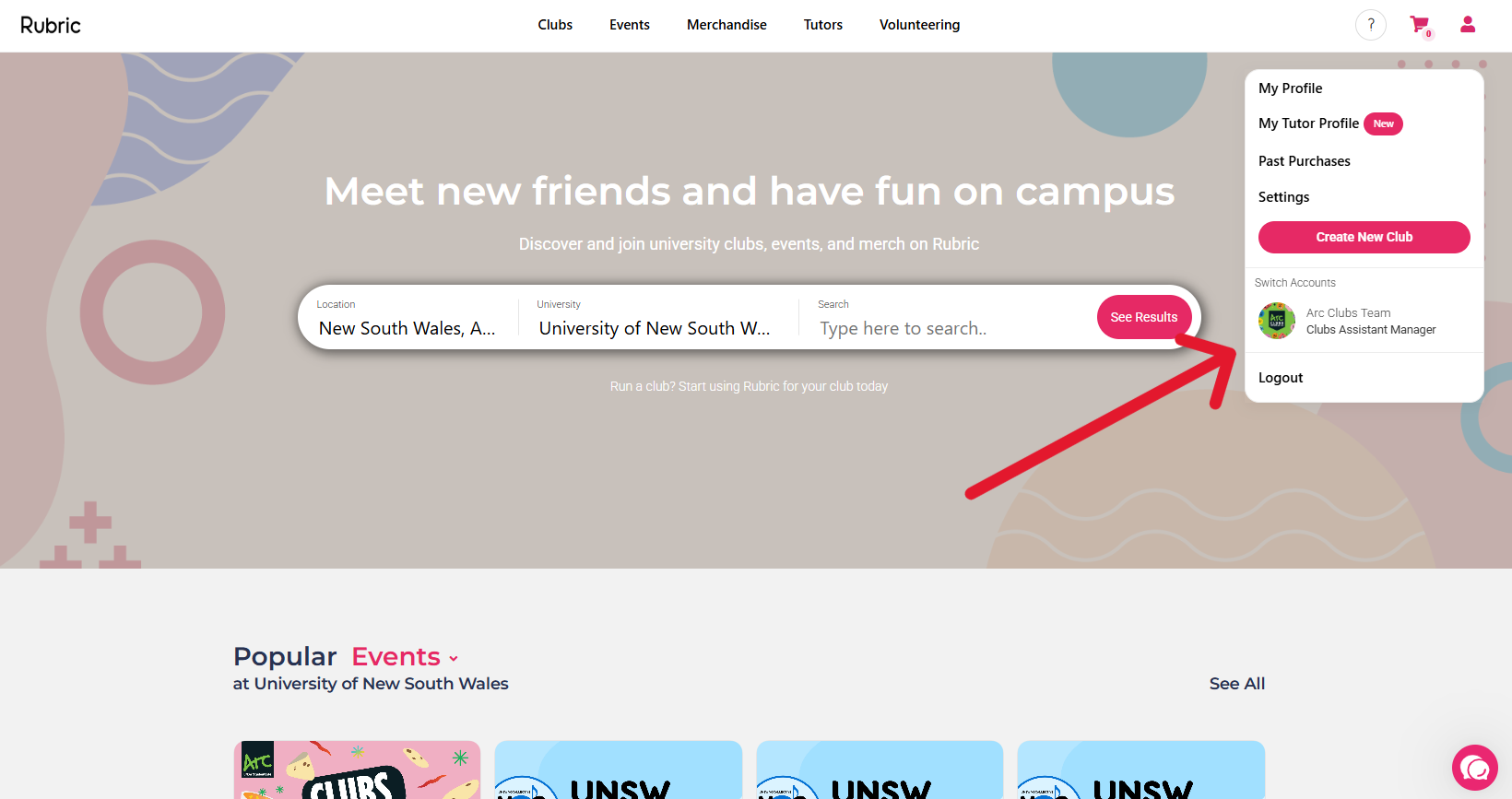
Then head to the "Forms" tab: 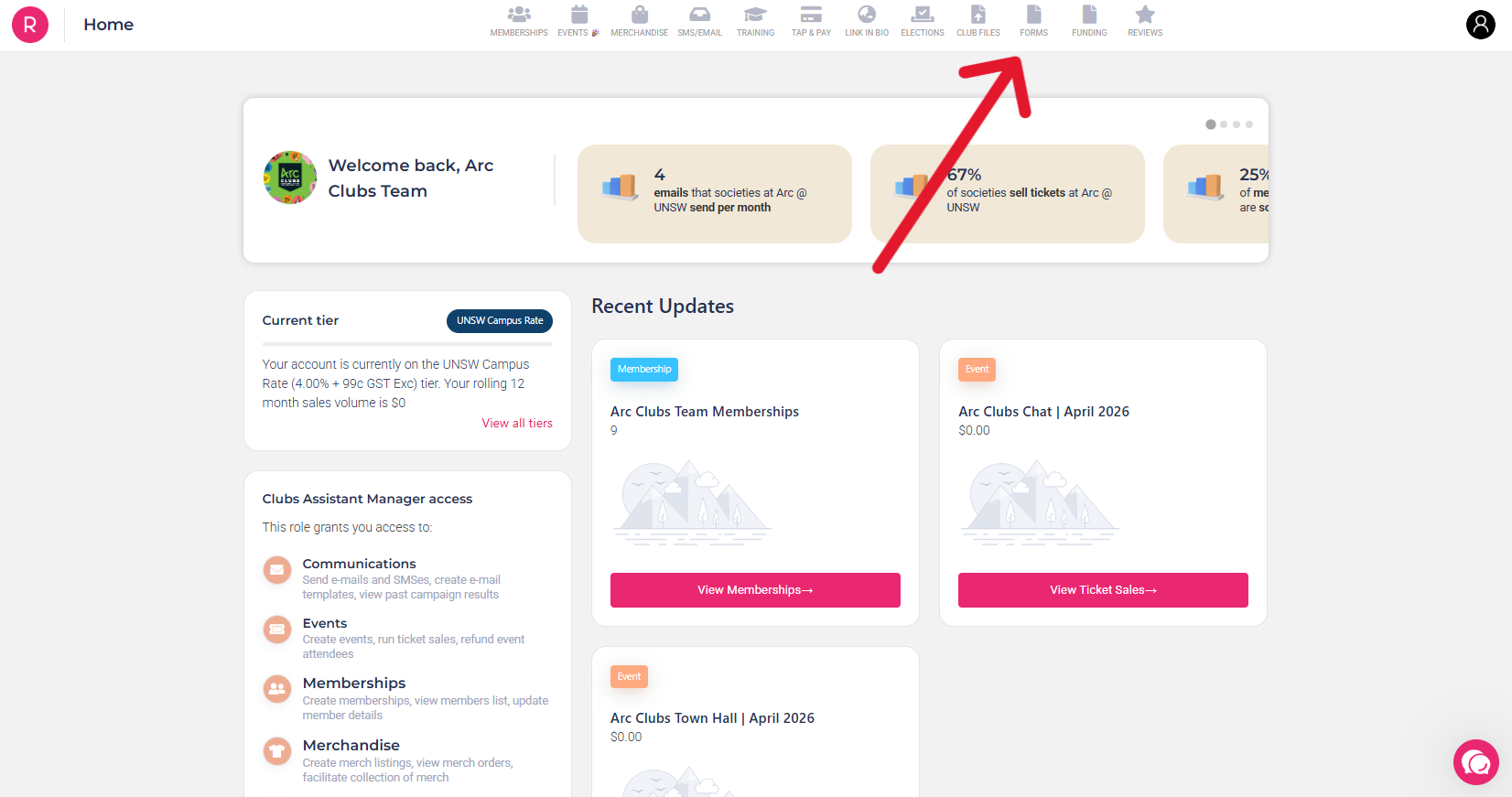
Click "View All" and find the Asset Grant:
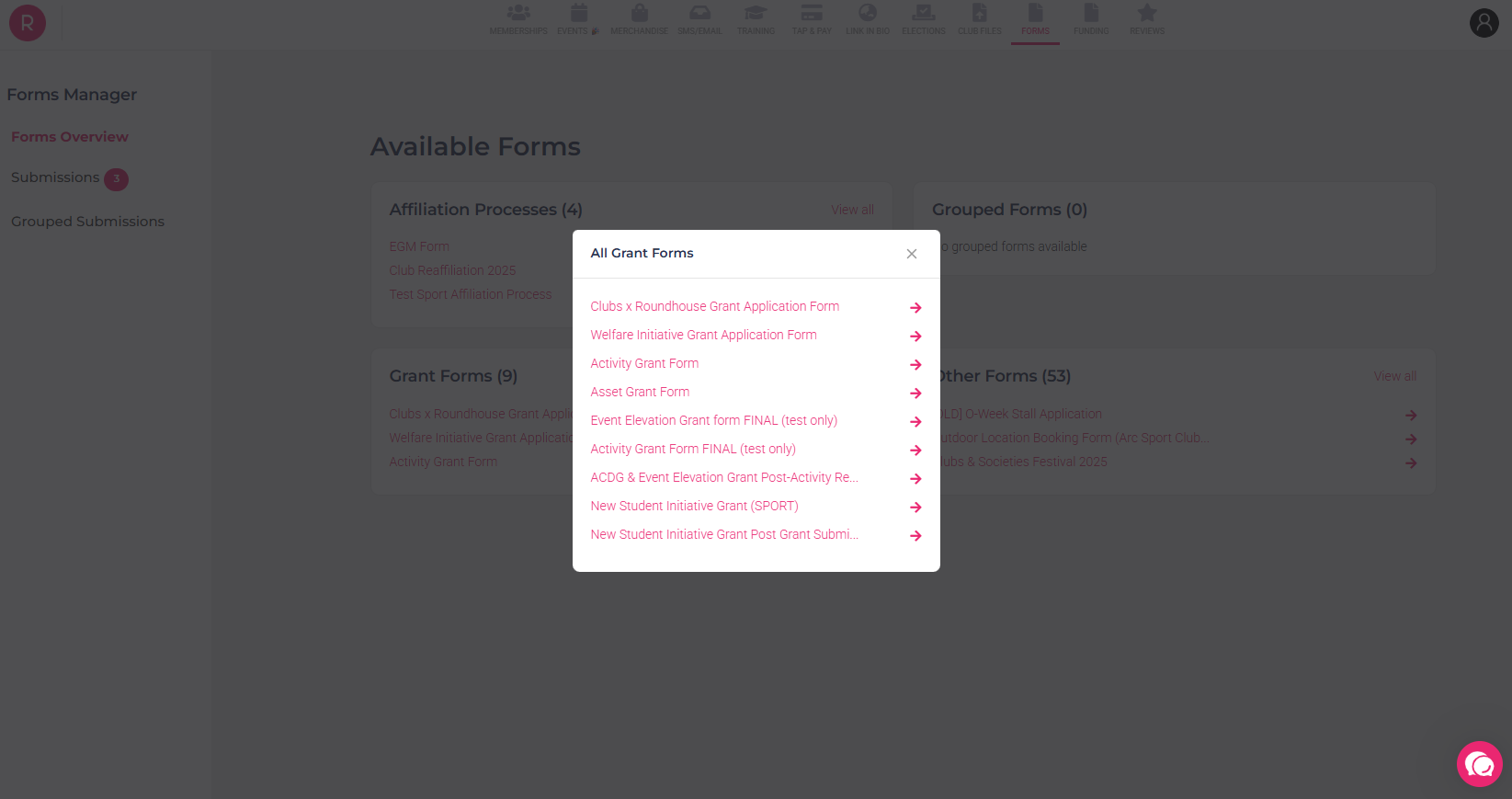
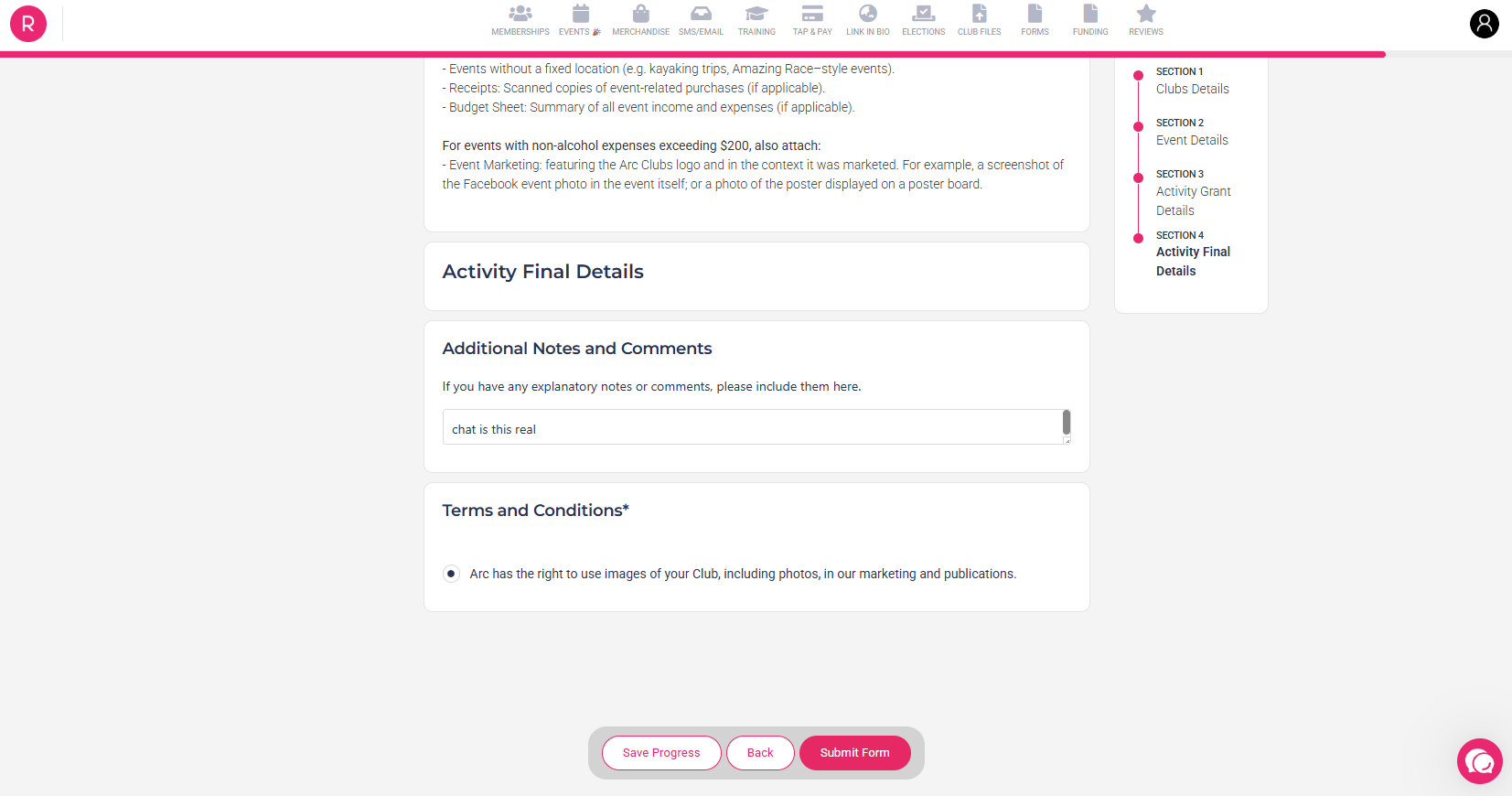
Then simply fill in your assets details and click “Submit For Approval”!
If there any issues with your grant application, the Clubs team will email your Club Email Address following up for more information if required. If none is required, you’re grant will be paid in the next round of grants (Typically every 1-2 months)