Volunteers United FAQs

Got a question? Start here!

Find answers about Volunteers United, shifts, Rubric, hours, and support.

πŸš€ Getting Started

What is Volunteers United?

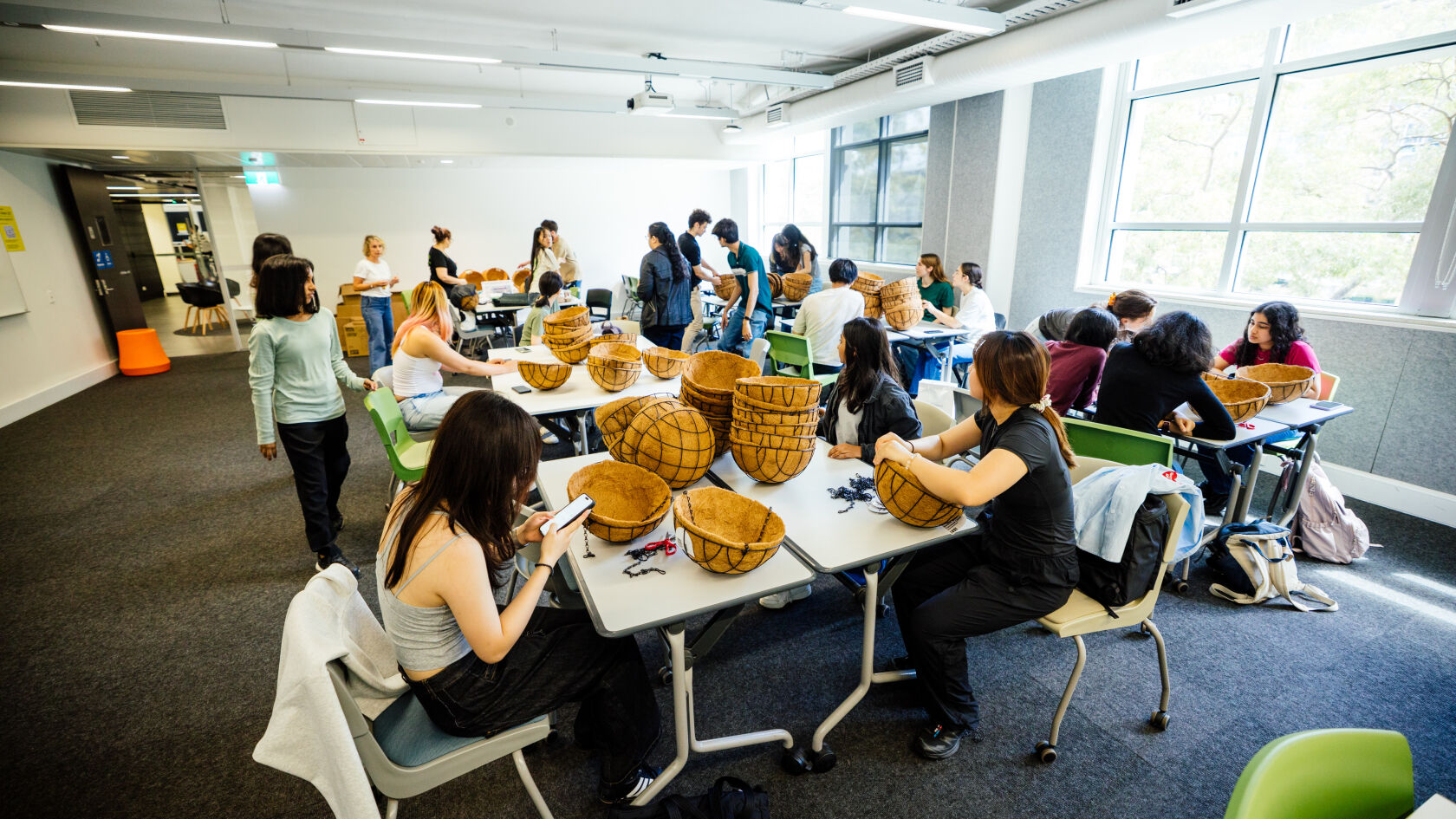
Volunteers United is an easy and flexible way for students to get involved in volunteering. It’s designed for those with limited time, who want casual opportunities, or are looking to try volunteering for the first time.

Choose from one-off events that fit around your schedule β€” no long-term commitment required. Volunteer when it works for you and get a taste of different experiences across campus and the wider community.

Do I need experience to volunteer?
No experience is needed! Volunteers United shifts are open to all students. We’ll make sure you have all the information you need for your shift or event, and you’ll be supported by the team and Volunteers United Program Activators throughout your volunteering experience.
How do I sign up for a shift?
You can browse Volunteers United and partner shifts on the Arc Events website and sign up via Rubric. After signing up, please check your email for a link to join the Volunteers United WhatsApp Community for shift updates and information.
Do some shifts have additional requirements (e.g. WWCC or Police Check)?

Yes, some volunteer shifts may have additional requirements depending on the partner organisation and the nature of the activity. This may include things like a Working With Children Check (WWCC), Police Check, or other onboarding steps.

Where additional requirements are needed, this will either be clearly stated on the shift listing or included as a question in the registration form. In some cases, we may also follow up with you via email with next steps.

If a shift requires specific checks such as a WWCC, this information will always be outlined on the event page so you can review it before signing up.

How do I access the mandatory Volunteers United Online Training?

After signing up for a Volunteers United shift, you'll receive an email inviting you to self-enrol in the Volunteers United Online Training Modules.

The email will be sent to the email address associated with your Rubric account. Please check whether you registered using your UNSW Single Sign-On (SSO) or another email address.

You can also self-enrol directly using the link below:

Enrol in the Volunteers United Online Training Modules

If you can't locate the email, we recommend:

  • Checking your Spam or Junk folder.
  • Checking the email address associated with your Rubric account.
  • Using the self-enrolment link above.
  • Contacting the Volunteers United team if you're still unable to access the training.

The training takes approximately one hour to complete, and you must achieve 100% to successfully complete the program. It must be completed at least three (3) days before your volunteer shift.

The Volunteers United team verifies training completion once a week. Once your training has been verified, your shift booking will be updated to "Approved". If you haven't completed the required training by the deadline, your shift booking will be "Rejected", and you won't be able to participate in that shift.

Tip: We recommend completing the training as soon as you receive the email rather than waiting until just before your shift. This allows enough time for your completion to be verified and your booking to be approved.

How will I get updates about my shift after signing up?

Once you sign up for a shift, you'll receive an automated email from Rubric with a link to join the Volunteers United WhatsApp Community. From there, you can join the relevant shift group to receive updates, shift information, briefings, and connect with your Program Activators before the event.

For partner-listed events and shifts, the partner organisation will contact you directly to confirm your shift and provide further details, including any relevant updates or instructions.

How do Volunteers United shifts differ from partner-listed shifts?

Volunteers United shifts are run and coordinated by the VU team and Arc, who manage the opportunity, volunteer communications, and shift logistics.

Partner shifts are created and managed directly by external organisations through Rubric, meaning the partner is responsible for providing all shift information, updates, and contacting volunteers directly.

You can browse both VU and partner shifts on Rubric or the Arc Events website. Volunteers will still receive recognised volunteer hours for completed shifts, which count towards AHEGS.

What is Good Deed Days?

Good Deed Days is Volunteers United's flagship event, held during Week 6 each term. It brings together a range of fun and meaningful volunteering opportunities with not-for-profit organisations both on and off campus. Whether you're looking to meet new people, volunteer with friends, explore different causes, or simply give volunteering a try, Good Deed Days is a great way to get involved and make a positive impact in your community.

πŸ“… Shifts & Attendance

I can't find a shift I wanted to sign up for. What does this mean?
If you can't see a shift or event on Rubric, it is likely that all available volunteer spots have been filled. Many of our opportunities have limited capacity and can fill up quickly. We encourage you to check back regularly, as spots may become available if another volunteer drops their shift.
How do I view my shifts?

You can view all your upcoming shifts by logging into your Rubric volunteering profile.

Simply log into Rubric and go to My Profile β†’ Volunteer Programs β†’ View Details. Scroll down to the Shift Bookings section, which shows all your scheduled shifts.

Make sure to join the Volunteers United WhatsApp Community for all the info you need for your shift!

How do I drop a shift?

You can drop your shift via Rubric.

Simply log into Rubric and go to My Profile β†’ Volunteer Programs β†’ View Details. Scroll down to the Shift Bookings section, which shows all your scheduled shifts.

From there, scroll across to the Actions column in the table, click the three dots (β‹―) next to your shift, and select Drop Shift.

What if I can’t attend my shift?
If you are unable to attend, please drop your shift in Rubric as soon as possible so another student can take your place.
What should I do if I’m running late or can’t make my shift on the day?
Please let us know as soon as possible via your WhatsApp shift group or email volunteers.united@arc.unsw.edu.au so we can support you and adjust arrangements if needed.

For partner shifts please reach out to the relevant contact.

⏱ Hours & Recognition

How do I track my volunteer hours?

You can track all your volunteer hours by logging into your Rubric volunteering profile.

Once logged in, go to My Profile β†’ Volunteer Programs β†’ View Details to view all your completed shifts and accumulated hours.

Once you reach 20 hours, you will be eligible for AHEGS, which are processed at the end of each term.

When will my volunteer hours be updated?
Volunteer hours are typically updated and marked as "Complete" within 7–10 working days of completing your shift. If it has been longer than 10 working days and your hours have not been updated, please contact us at volunteers.united@arc.unsw.edu.au.
My shift is marked as "Pending". Do I need to do anything?

If your Volunteers United shift is marked as Pending, this means your registration has been received and we are waiting to verify that you have completed the mandatory Volunteers United Online Training Modules.

Once your training has been successfully completed and verified, your shift status will be updated to Approved. Training completions are verified approximately once a week, so your status may remain Pending until the next verification cycle.

If your shift is marked as Approved, your place in the shift has been confirmed and you are ready to volunteer.

If your shift is marked as Complete the shift has taken place and your volunteer hours have been recorded.

If you have not completed the mandatory online training at least three (3) days before your shift, your booking may be marked as Rejected, and you will not be able to attend that shift.

If we require any additional information from you, we'll contact you directly via email.

Some partner organisations may also manage volunteer approvals for their own shifts, so we recommend keeping an eye on your email for any updates or requests.

How do I earn Arc Clubs & Volunteering Reward Points?

As a Volunteers United volunteer, you'll automatically earn Arc Clubs & Volunteering Reward Points for participating in the program.

You'll receive 5 points once you successfully complete the mandatory Volunteers United Online Training Modules.

You'll also earn additional points for every Volunteers United shift that you attend in full.

Please allow up to 7 business days after completing your training or volunteer shift for your points to sync to your account.

You can check your current points balance and learn more about the Arc Clubs & Volunteering Reward Points program .

The Arc Clubs & Volunteering Reward Points program rewards your involvement across a range of Arc Clubs and Volunteering activities. Once you've earned enough points, you can redeem them during the Rewards Store redemption periods for Arc merchandise, vouchers and other exciting rewards.

How can I obtain proof of my volunteering?

Before requesting a letter, we recommend checking whether a screenshot of your Rubric profile will meet your requirements. Rubric allows you to view your completed shifts, approved hours, and volunteering history, which is often accepted as evidence of participation.

If you require a formal confirmation of involvement letter, please email volunteers.united@arc.unsw.edu.au with the details of what is needed. Please allow up to 7-10 working days for the letter to be prepared and issued.

πŸ’¬ Support

Who do I contact if I have questions about my shift?

If you have signed up for a shift, please post in the relevant Volunteers United WhatsApp group for the quickest support and updates. You can also contact us at volunteers.united@arc.unsw.edu.au.

For partner-listed shifts, please contact the partner organisation directly. If you need assistance or are unsure who to contact, you can email us and we will help connect you with the relevant team.

What if I have issues with Rubric?
If you experience any issues, please complete the Rubric Bugs and Troubleshooting Form and an Arc staff member will respond within 2–3 working days.
What do I do if I have a complaint, concern or grievance?

If you are a Volunteers United volunteer, student, or member of the public and would like to raise a complaint, concern or grievance relating to Volunteers United, a volunteer, or an interaction you have had through the program, you can submit a report through the Arc Complaints Portal.

The Arc Complaints Portal provides the appropriate pathway for your concern to be submitted and reviewed by Arc.

Still need help? Email volunteers.united@arc.unsw.edu.au and we’ll be happy to help.